What a Premium IPTV Subscription Actually Is
An IPTV subscription gives you access to a service that delivers television channels and on-demand content over your existing broadband connection, rather than through a cable box or satellite dish. The "subscription" part means you pay periodically — monthly, quarterly, or annually — in exchange for an account that lets you log into an IPTV player app on your chosen device and stream content.
The distinction between a standard IPTV subscription and a premium one comes down to three things: the quality of the server infrastructure, the reliability of the streams, and the breadth and maintenance of the channel list. Low-cost IPTV providers often run on minimal infrastructure. They can function perfectly well when demand is low, but buckle under pressure during peak viewing times — which is precisely when you most want a reliable stream, such as during a major sporting event.
A premium subscription invests in the infrastructure needed to handle large numbers of simultaneous viewers without the picture degrading or freezing. It also maintains its channel list actively, so that a channel that worked yesterday continues to work today, rather than quietly disappearing and only being noticed when a viewer goes to watch something specific.
This guide is part of the broader IPTVStream8K resource hub, where you can explore topics from 8K streaming quality through to setting up IPTV on specific devices. Here, the focus is specifically on how IPTV subscriptions work, how to choose one wisely, and what to expect from the experience once you have subscribed.
How IPTV Subscription Plans Are Structured
IPTV subscriptions are sold differently from one provider to another, but most follow a predictable pattern once you understand the variables. The key dimensions are plan length, the number of simultaneous connections, and what content categories are included.
Plan length and pricing
Most providers offer monthly, quarterly, six-month, and annual subscription options. The monthly plan is the most flexible and requires the smallest upfront commitment, but it costs more per month than longer plans. An annual plan typically offers the best value per month — often considerably so — but requires more confidence in the service upfront.
This is one reason a trial period matters so much. If you are seriously considering an annual plan, you want to have tested the service thoroughly before committing. Our IPTV trial guide covers the specific things worth testing during a trial to make that evaluation meaningful.
Simultaneous connections
A standard IPTV subscription typically includes one active connection — meaning one device can be streaming at any given moment. Some plans offer two or more simultaneous connections, which is useful if multiple people in a household want to watch different things at the same time, or if you want to watch on a TV in one room while someone else uses a tablet in another.
What is included in the subscription
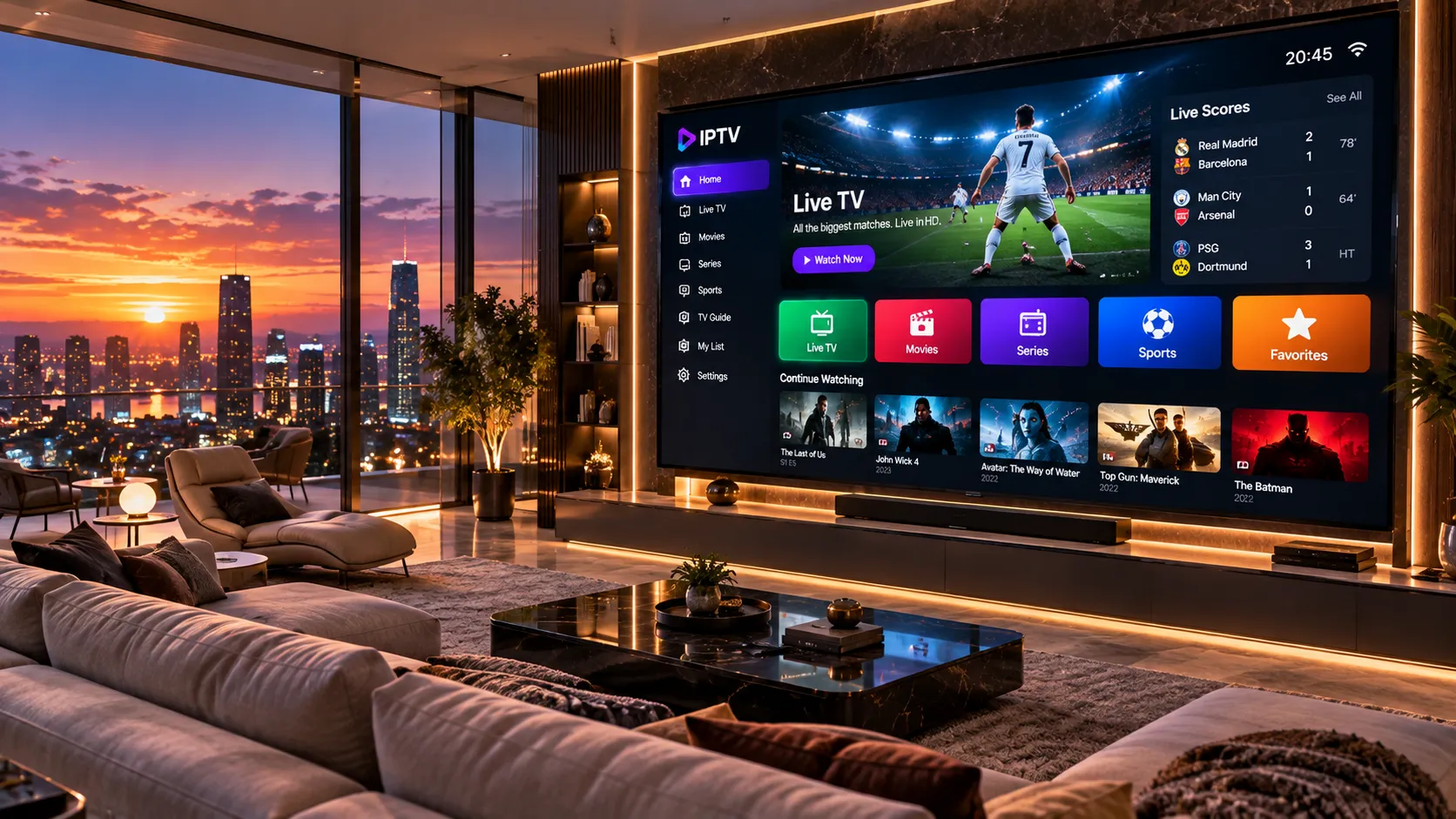
A well-structured IPTV subscription includes live channels, VOD (video on demand), and an Electronic Programme Guide. The EPG displays current and upcoming programming information — just like a TV guide — so you can see what is on and what is coming up next, rather than guessing or searching through a long channel list with no context.
The channel count matters less than you might expect. A provider advertising 60,000 channels sounds impressive, but if a significant portion of those channels are rarely updated, unavailable in your region, or simply duplicates, the headline figure is misleading. A curated list of well-maintained channels across the categories you actually watch is far more valuable.
| Plan Variable | What to Look For | Why It Matters |
|---|---|---|
| Plan Length | Monthly, quarterly, or annual options | Longer plans cost less per month; test the service first before committing long-term |
| Connections | 1 or 2+ simultaneous streams | Households with multiple viewers benefit from multi-connection plans |
| Channel Count | Quality over quantity; curated and maintained | A maintained list of 10,000 channels beats a neglected list of 60,000 |
| EPG Coverage | Full programme guide for main channels | Makes the service feel like real TV rather than a stream URL list |
| Stream Quality | HD, FHD, and 4K options where available | Multiple quality tiers let you adapt when your connection is under pressure |
| VOD Library | On-demand films and series alongside live TV | Extends the value of the subscription beyond live broadcasting hours |
What Makes a Premium IPTV Service Different
The word "premium" is used freely in the IPTV market, which makes it worth examining what it should actually mean. From a practical standpoint, a premium IPTV service distinguishes itself in ways that become apparent during regular use — particularly during high-demand viewing situations such as live sport, prime-time entertainment, or major events.
Server redundancy and stream stability
A premium provider operates multiple server paths for popular channels. When one route experiences congestion — because thousands of subscribers are simultaneously watching the same match — the service routes your stream via a different path automatically. This is the technical mechanism behind a reliable viewing experience during peak times.
Budget providers often have a single server path per channel, or server infrastructure too small for their subscriber base. The result is fine during quiet periods but breaks down exactly when you most need it to work. There is no reliable way to assess this from a provider's marketing materials — only a trial during a live event will reveal how a service actually performs under real-world load.
Channel maintenance
Live television sources change. Broadcast rights shift, stream URLs update, and technical parameters change over time. A premium provider has processes in place to monitor the channel list actively and fix broken or degraded streams promptly. A low-effort provider lets channels quietly fail and does not notice or respond until subscribers complain — or does not respond at all.
EPG accuracy
An EPG that shows the correct programme information for the correct time zone is genuinely useful. An EPG that shows programming from the wrong region, is permanently out of date, or simply has no data for most channels adds no value. Premium services treat EPG accuracy as a priority because it directly affects day-to-day usability.
Support responsiveness
When something goes wrong with a live TV service — particularly during a live sporting event — the time it takes to get a response and a resolution matters. Premium services offer direct, prompt support rather than automated ticket queues with multi-day response times. Direct WhatsApp support, for example, allows a customer to describe an issue and receive a response in minutes rather than days.
Contact us on WhatsApp. We will ask a few questions about your viewing habits and recommend the most suitable option — with no pressure to commit before you have tested the service.
Getting Set Up: From Subscription to Watching
One of the common misconceptions about IPTV subscriptions is that they are technically complex to set up. In practice, the process is straightforward for any competent smartphone or smart TV user, and most people are watching within twenty to thirty minutes of receiving their credentials.
Step 1: Receive your credentials
Once your subscription is confirmed, you will receive the details needed to connect to the service. This is typically a username and password, along with a server address or an M3U playlist link. These are specific to your account and should be treated like any other login credentials.
Step 2: Install a compatible IPTV player
IPTV content is viewed through a player app installed on your device. The specific app you need depends on your device. Common choices include IPTV Smarters Pro, TiviMate, and GSE Smart IPTV. Our full device setup guide covers which apps work best on each platform and walks through the installation process for Amazon Fire Stick, Android TV, Samsung Smart TV, Apple TV, and other supported devices.
Step 3: Enter your credentials and load your channels
Within your chosen player app, you will enter the credentials received from your provider. The app fetches your channel list and EPG data. This takes a minute or two on the first load, and then your full channel lineup appears — organised by category — ready to watch.
Step 4: Configure your preferences
Most IPTV players allow you to create favourites lists, organise channels into groups, and configure the EPG layout to your preference. Spending ten minutes on this initial configuration makes day-to-day navigation significantly easier.
Which Devices Work with an IPTV Subscription
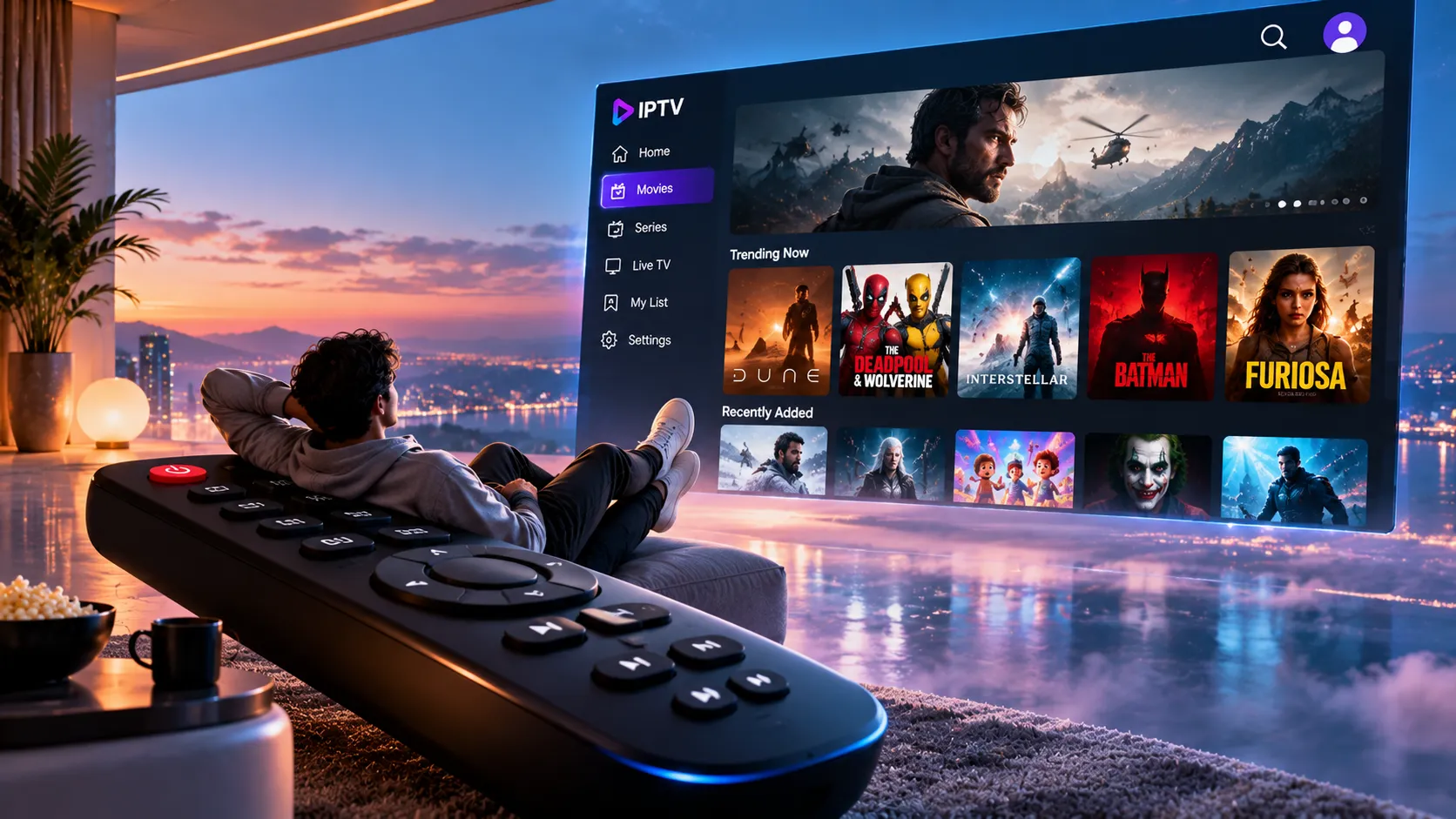
One of the genuine advantages of an IPTV subscription over traditional pay-TV is device flexibility. You are not locked into proprietary hardware. The same account credentials work across a wide range of devices, and switching between them is a matter of logging into a player app on a different screen.
The devices that work well with an IPTV subscription include:
- Amazon Fire TV Stick — one of the most popular platforms for IPTV in the UK and Ireland. The Fire Stick 4K and 4K Max handle high-quality streams well and support the main IPTV player apps after a simple sideloading process. See our dedicated Fire Stick IPTV setup guide for step-by-step instructions.
- Android TV boxes — dedicated streaming hardware such as NVIDIA Shield or Formuler boxes that run Android TV natively. These offer the most open environment for IPTV apps and are a strong choice for viewers who want reliable performance on a large screen.
- Samsung and LG Smart TVs — compatible via IPTV player apps available from the respective app stores, or through screen mirroring from a phone or tablet. Tizen (Samsung) and webOS (LG) platforms have different app ecosystems, and the available apps vary between them.
- Apple TV — supported via tvOS-compatible IPTV apps. Apple TV's hardware handles 4K streams without difficulty, and the platform is particularly clean to use for non-technical viewers.
- iPhones and iPads — useful for watching on the go or for secondary viewing. Several well-maintained IPTV apps are available on the iOS App Store.
- Android smartphones and tablets — the widest range of IPTV app options is available on Android, making it straightforward to find a player that suits your preferences.
- Windows and Mac computers — desktop IPTV player software is available for both platforms. VLC Media Player can open M3U playlist links directly, making computer playback accessible even without a dedicated IPTV app.
The full device setup guide on this site covers each platform in detail, including which apps to use and how to configure them correctly for the best experience.
According to Ofcom's Connected Nations research, over 97% of UK homes now have a fixed broadband connection, and the median download speed exceeds 70 Mbps — well above the threshold needed for reliable 4K IPTV streaming. Ireland and the USA show comparable connectivity levels, meaning that for most viewers in these three markets, the network conditions for quality IPTV streaming are already in place.
Evaluating the Real Value of an IPTV Subscription
Comparing an IPTV subscription to traditional pay-TV in terms of channel access and pricing is a calculation worth doing carefully, because the variables differ significantly between the UK, Irish, and US markets.
In the UK, a full Sky Sports and Sky Cinema package costs upwards of £40–50 per month, and that still does not include every channel a viewer might want. In Ireland, equivalent coverage through Sky or Virgin Media carries similar costs. In the US, cable bundles with sports coverage frequently exceed $80–100 per month when you include the channels and packages that sports fans actually want.
An IPTV subscription with a comprehensive channel lineup — including live sport from multiple broadcasting groups, entertainment, news, and on-demand content — is generally considerably less expensive per month, particularly on an annual plan. The trade-off is that IPTV is internet-dependent, requires a compatible device and app setup, and the legal and licensing landscape varies depending on the specific service and content being accessed.
What to consider beyond headline price
Price is the most visible variable, but it is not the only one that determines genuine value. Consider also:
- The stability and reliability of streams — particularly during live sport, where a frozen picture is most frustrating
- The quality of the EPG and how well it covers the channels you watch regularly
- The responsiveness of support if something goes wrong
- The ease of setup on the devices you already own
- Whether a trial period is available so you can verify quality before committing
A cheap monthly subscription that buffers during every match and has no working support is worth less than a more expensive annual plan on a service that consistently works. The viewing experience across a year is what matters, not the headline cost of any individual month.
Monthly vs Annual Plans: Which Makes More Sense?
The decision between a monthly and annual IPTV subscription is fundamentally a question of how much confidence you have in the service before committing. The argument for each is straightforward.
A monthly subscription offers maximum flexibility. If you find the service does not suit you, or if your circumstances change, you are only committed for the current month. The monthly rate per month is higher than an annual rate, but the exit is easy. For someone new to IPTV, or someone switching providers after a bad experience with a previous service, starting monthly while evaluating the service makes sense — even if the intention is to move to an annual plan once satisfied.
An annual subscription offers better value per month and removes the monthly admin of renewal. For viewers who have tested a service thoroughly during a trial and are confident in its reliability, an annual plan is usually the rational choice financially. The risk, if the service deteriorates, is that you are committed for a longer period — though a genuinely premium service maintains quality and actively monitors it.
A middle ground — a quarterly or six-month plan — allows for a longer evaluation at a better monthly rate than monthly plans, without the full commitment of an annual subscription. For viewers who want to be thorough in their evaluation before committing long-term, this can be a sensible approach.
Common Mistakes When Choosing an IPTV Subscription
A service advertising 80,000 channels is not inherently better than one offering 12,000. Channel counts are easy to inflate with duplicates and rarely-updated streams. The channels you actually watch, maintained reliably, matter far more than a headline number.
IPTV performance during on-demand viewing tells you very little about performance during a live match when thousands of subscribers are watching simultaneously. Always test an IPTV service during a live sporting event or a live broadcast before committing to a subscription.
Not every IPTV service works equally well on every device. A service that works well on a Fire Stick may require a different app on a Samsung TV or an Apple TV. Confirm compatibility with your specific devices before subscribing, and ask about recommended apps for each.
Many streaming quality issues blamed on an IPTV provider are actually caused by a poor Wi-Fi connection between a router and the streaming device. A wired ethernet connection resolves a significant proportion of buffering complaints. Test via ethernet before concluding a service has poor quality.
Committing to an annual subscription without testing the service first is unnecessary when reputable providers offer trial access. A structured trial — tested deliberately across the content you care about — eliminates most subscription regret.
When your stream fails during the first fifteen minutes of a live final, an automated ticket system with a 48-hour response window is effectively no support at all. Verify how support works and how quickly responses come before subscribing, not after a problem has already occurred.
Legal Considerations and Responsible Use
The legal landscape around IPTV services is an area where clarity and honesty are important. IPTV technology itself — streaming video over an internet connection — is entirely legitimate and is the same underlying technology used by services such as Netflix, YouTube, Disney+, and BBC iPlayer.
What determines the legal status of any specific IPTV service is whether the content being delivered is properly licensed for distribution in the territories where it is accessed. This is the user's responsibility as much as the provider's. Viewers are responsible for ensuring that the content they access through any streaming service is lawfully available in their jurisdiction.
If you have questions about the licensing status of a specific service or content type in your country, consulting the relevant national broadcasting authority or a legal professional with relevant expertise is the appropriate step. In the UK, Ofcom provides guidance on broadcasting regulation. In Ireland, the Coimisiún na Meán is the relevant media regulator.
Subscribers in the UK, Ireland, and the USA
IPTVStream8K is built with three specific markets in mind, and the channel lineup reflects that focus rather than trying to serve every territory equally and ending up serving none of them particularly well.
UK subscribers can expect comprehensive coverage of British television, including the major terrestrial channels, news broadcasters, and a strong selection of sport — both UK-produced and international sport that UK audiences follow closely. Premier League coverage is a particular priority, alongside rugby, cricket, and athletics.
Irish subscribers have distinct viewing priorities that differ meaningfully from UK audiences, even though there is significant overlap in channels watched. Irish-specific channels and sport — including GAA, League of Ireland football, and Six Nations coverage with an Irish angle — are part of the channel selection. For a more detailed look at the Irish market specifically, our guide to the best IPTV service for Ireland covers the specifics in depth.
US subscribers benefit from a broad selection of American cable and network channels spanning sport, news, and entertainment. American viewers cord-cutting from cable or satellite TV will find the major channels they care about represented in the lineup, from major news networks to sports broadcasting groups.
The full IPTV channels guide gives a comprehensive overview of the categories available across all three markets.
Go Deeper: Articles Supporting This Guide
These articles expand on specific aspects of IPTV subscriptions covered in this guide.
What to test during a trial, how to evaluate live stream quality, and what questions to ask before committing to a paid plan.
Step-by-step instructions for setting up your subscription on Fire Stick, Smart TV, Android box, iPhone, and more.
A full breakdown of the channel categories available for UK, Irish, and US subscribers.
What separates reliable premium providers from poor ones, and the criteria to use when making your choice.
Frequently Asked Questions About IPTV Subscriptions
Questions specific to IPTV subscription plans, pricing, and getting started.
A premium IPTV subscription includes access to thousands of live TV channels organised by category, an on-demand VOD library of films and series, and an Electronic Programme Guide (EPG) that displays current and upcoming programming. The specific channel count and VOD library vary by provider. What distinguishes a premium service is not just the volume of content but the reliability and quality of the streams and the responsiveness of customer support.
IPTV subscription pricing varies considerably depending on the provider, plan length, and number of simultaneous connections included. Monthly plans carry a higher per-month cost than annual plans. Contact us directly on WhatsApp for current pricing options — we will explain exactly what each plan includes so you can choose what suits your situation, without any pressure to commit before you have tested the service.
Standard IPTV subscriptions are issued for a set number of simultaneous connections. A single-connection subscription allows one device to be actively streaming at any given time. You can install the player app and your credentials on multiple devices, but only one can play a live stream simultaneously. Plans with two or more concurrent connections are available for households where multiple people want to watch different content at the same time. Ask about multi-connection plans when contacting us.
After your subscription is confirmed, you receive your connection credentials — a username, password, and server details. You install a compatible IPTV player app on your device, enter your credentials, and the app loads your channel list and EPG. The process takes under thirty minutes on most devices. Our device setup guide covers each platform in detail, and our support team is available on WhatsApp if you need assistance with any step.
Yes — we offer a trial period so you can evaluate stream quality, channel selection, and EPG performance on your specific device and broadband connection before deciding on a plan. We strongly recommend testing the service during a live broadcast you care about — a match or a news event — because live streaming puts more demand on any IPTV service than on-demand content does. Our IPTV trial guide explains exactly what to test and what to look for. Contact us on WhatsApp to arrange access.
Payment options and accepted methods vary. Contact us directly on WhatsApp for current details on accepted payment methods for your region. We will confirm everything clearly before any payment is made, and there is no obligation to subscribe until you are ready.
In the IPTV market, many sellers are resellers who purchase bulk access from a larger upstream provider and sell subscriptions under their own branding. This is a common structure. The practical implication is that the quality of a reseller's service depends significantly on the quality of the upstream provider they use — and on how well the reseller maintains their customer relationships and provides support on top of the underlying infrastructure. When evaluating any IPTV service, the key questions are about reliability, support, and channel maintenance — not simply who owns the servers.
The Short Version: What Matters When Choosing a Subscription
An IPTV subscription is a straightforward concept — periodic access to a live TV and on-demand streaming service via your broadband connection — but the quality of the experience varies enormously between providers. The differences that matter most are not visible in the marketing: they reveal themselves during a live match when the server is under pressure, when a channel URL changes and needs updating, and when something goes wrong and you need a real person to help.
If you are approaching this decision sensibly, the path is: contact a provider, ask about trial access, test the service on your specific devices during live content you care about, and then choose a plan length that reflects your level of confidence. That approach eliminates most subscription regret.
If you have questions about what plan would suit your viewing habits, which apps work best on your devices, or how the trial process works, the fastest way to get a clear answer is to contact us directly.